BUYING GUIDE
Gaming Mouse Buying Guide 2026: How to Choose the Right Mouse in Pakistan
Choosing a gaming mouse comes down to weight, sensor, connection, shape and battery. Start with what feels comfortable in your hand, then match the connection and performance to the games you play.
Quick answer
- For FPS games, prioritise a comfortable shape, consistent tracking and easy control.
- Choose 2.4GHz wireless or wired USB for gaming; Bluetooth is better suited to work and travel.
- Match the size to your hand and your palm, claw or fingertip grip.
- Check current battery life, warranty and available options on each product page.
Weight
Lightweight gaming mice are usually 40 to 60g and are easier to flick and stop. Heavier is not always worse: weight is personal, and a mouse you control comfortably matters more than chasing the lowest number.
Sensor
Modern PixArt sensors such as the PAW3395 family give accurate, consistent tracking. DPI describes how far the cursor moves per inch of mouse movement. Many FPS players use 400 to 1600 DPI and tune their in-game sensitivity to suit.
Connection
What tri-mode means
Tri-mode means 2.4GHz wireless, Bluetooth and USB-C wired. 2.4GHz is the best choice for gaming; Bluetooth suits work and travel. Check the product page for the connections a particular mouse supports.
Wired vs wireless
Wired mice avoid charging and keep the connection simple, but the cable can affect movement. Modern 2.4GHz wireless is designed for gaming and gives you a cable-free desk; remember to charge it and keep the receiver close.
Polling rate
1000Hz is standard. 4K and 8K polling send position updates more often, need a capable PC and use more battery. Higher polling is not a substitute for a comfortable mouse or stable game performance.
Shape and grip
Palm, claw and fingertip
- Palm grip rests more of your hand on the mouse.
- Claw grip uses an arched hand with fingertip contact.
- Fingertip grip moves the mouse mainly with your fingers.
Match shape and size to your hand. Compare the listed dimensions with a mouse you already find comfortable rather than choosing by weight alone.
Battery
Check the listed battery life on the product page. Connection mode, polling rate and lighting can affect how long a charge lasts.
Mouse pad and skates
Your pad and skates affect glide and stopping power. Read our mouse pad buying guide and mouse skates buying guide, or browse mouse pads and mouse skates.
Our current gaming mice
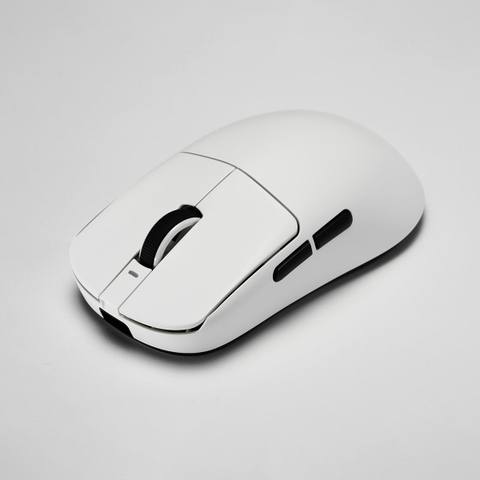
Gaming Mice
ATK VXE Dragonfly R1 SE+ Wireless Gaming Mouse – White, 55g, PAW3395 SE
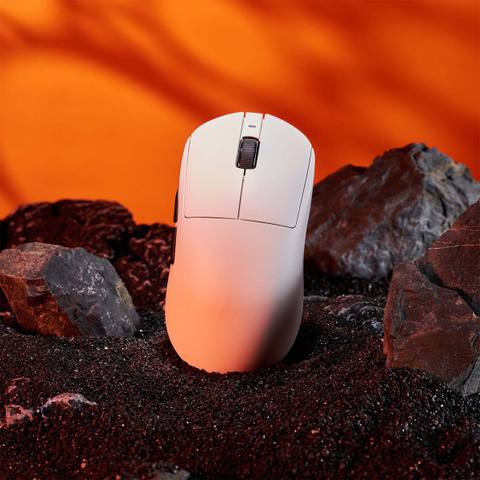
Gaming Mice
ATK Dragonfly A9 SE 3.0 Wireless Gaming Mouse – White, 53g, Upgraded PAW3395SE Sensor, Tri-Mode
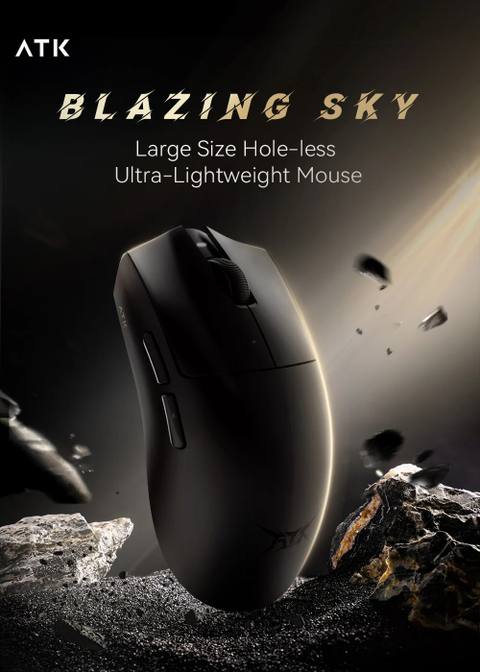
Gaming Mice
ATK Blazing Sky X1 SE Lightweight Wireless Gaming Mouse – 54g, PAW3395 SE, Tri-Mode
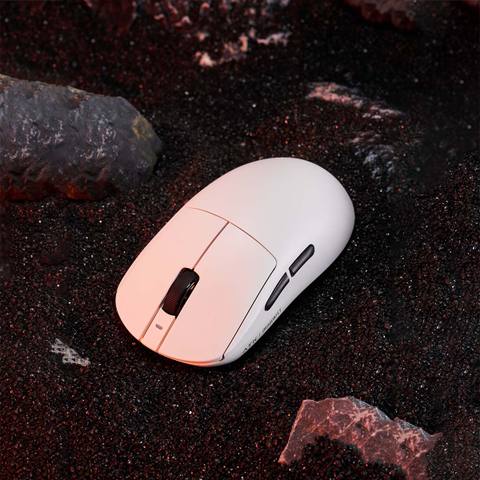
Gaming Mice
ATK Dragonfly A9 Plus 2.0 Lightweight Wireless Gaming Mouse – PAW3950, 57g, Tri-Mode
Gaming Mice
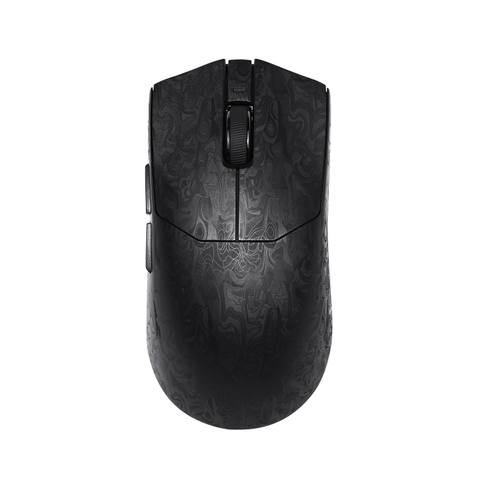
ATK VXE Dragonfly X3 Pro Wireless Gaming Mouse – 51g, PAW3395SE, 2 Swappable Batteries & RGB Dock
Gaming Mice
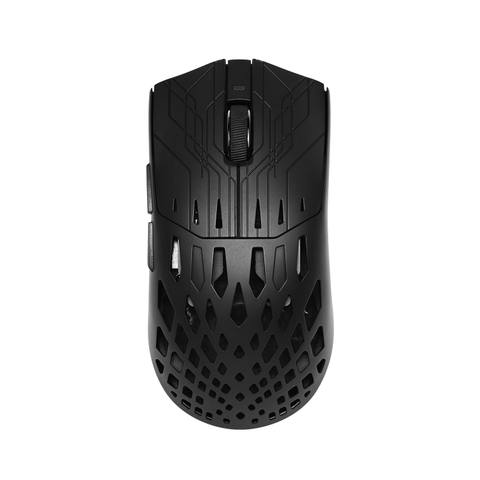
ATK VXE Dragonfly X3 Turbo Wireless Gaming Mouse – 54g, PAW3395SE, 2 Swappable Batteries & RGB Dock
Gaming Mice
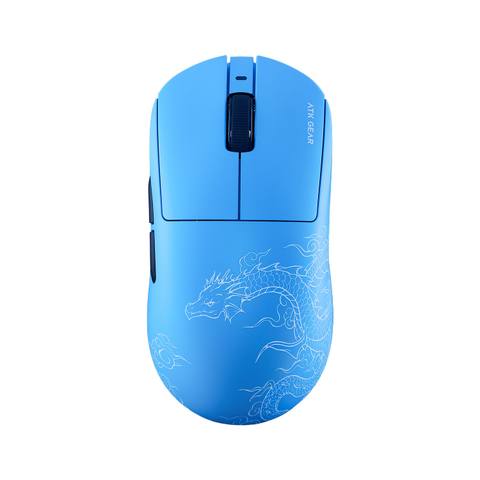
ATK Dragonfly A9 Air+ Leviatan Edition Wireless Gaming Mouse – 47g, PAW3955 Master, Dual 8K Polling
Frequently asked questions
What type of mouse is best for FPS games?
A comfortable gaming mouse with consistent tracking and a shape you can control, using wired USB or 2.4GHz wireless.
Is a lightweight mouse better?
It can make flicks and stops easier, but heavier is not always worse. Choose the weight that feels controlled to you.
Does wireless add lag?
Modern 2.4GHz wireless is designed for gaming. Bluetooth is better suited to work and travel.
What DPI should I use?
Many FPS players use 400 to 1600 DPI and adjust in-game sensitivity. Choose a setting you can control consistently.
How do I pick the right mouse size?
Match the listed dimensions and shape to your hand and grip, using a comfortable existing mouse as a reference.
What does tri-mode mean?
2.4GHz wireless, Bluetooth and USB-C wired connections.
Do gaming mice have a warranty?
Check each product page for its warranty terms.
Which payment methods are available?
We currently offer Bank Transfer or Easypaisa.